
Lanterna · study app for deck officer and watchkeeping exams
 Use it in your browser
Morse code is free, and so are ten questions in every other category. The browser version works on iPhone and on a computer.
0412 Lights fine on the starboard bow
Rule 23(a). Two masthead lights, the after one higher, and a green sidelight: a power-driven vessel of 50 metres or more. You are looking at her starboard side.
0431 Lights on the starboard beam
Rule 24(a). Three masthead lights in a vertical line: she is towing and the tow is longer than 200 metres. Two in a line would mean 200 metres or less.
0447 Lights fine on the port bow
Rule 26(b). Green over white all-round lights: a vessel engaged in trawling. Fishing other than trawling shows red over white; a pilot vessel shows white over red.
Use it in your browser
Morse code is free, and so are ten questions in every other category. The browser version works on iPhone and on a computer.
What you can study
Lanterna trains the picture part of the exam: lights, shapes, buoys and collision situations, at night and by day. The scenes are drawn from the rules and change every time, and every answer names the rule.
- Lights and shapes
- IALA buoyage
- COLREGs
- Flags and signals
- Sound signalsAltering to starboardAltering to portGoing asternOvertaking on your starboard side
- Chart symbols
- Morse codeFree
- Distress and GMDSS
- VHF and SMCP
questions in nine categories, each checked against the rule text it comes from.
collision situations in two steps: first who gives way, then what you do. In restricted visibility you get the radar picture instead.
IALA buoyage in Region A and Region B, with sector lights and light characters.
Lights and shapes
Vessels by their lights at night and their shapes by day. Rules 21 to 31.
COLREGs
Crossing, head-on, overtaking, narrow channels, and restricted visibility on radar.
Sound signals
Manoeuvring, warning and fog signals, played as sound.
Flags and signals
The single-letter signals of the International Code of Signals.
Distress and GMDSS
The signals of Annex IV and the basics of GMDSS.
Morse code Free
Read and send by sound and by light, including the single-letter meanings.
Free to read and practise, no app needed
Free quizzes
Ten questions per subject, every answer explained with the rule.
Navigation lights quiz · COLREGs quiz · IALA buoyage quiz · All nine quizzes
COLREG guide
The lights and day shapes of 13 vessel types and the steering rules examiners ask about, in plain words. Written by a serving chief officer and master mariner.
Trawler lights · Not under command · Rule 19 in restricted visibility · All 20 guides
The COLREGs, rule by rule
Rules 1–41 and Annexes I–IV, one page per rule, cross-linked. Not an official text.
Reference charts
The tables you look up again and again.
Morse code alphabet · Nautical flags and their meanings · COLREG sound signals
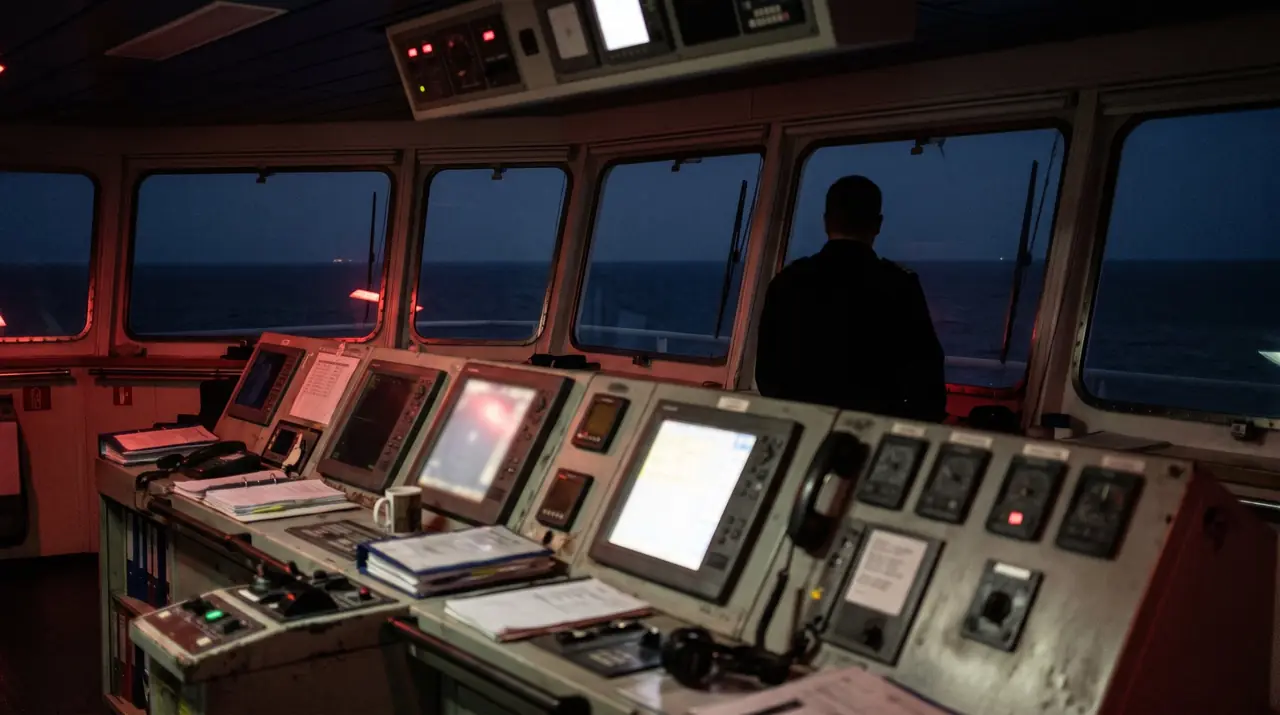
For schools and training centres
One access code for the whole class
Students open the app in any browser, enter the code and study on their own phones, at home or on board.
- Licence per year or half-year, priced by the number of users and by region.
- Your school's logo and colours in the app, as an option.
- A usage report for your licence, so you see which topics the students get wrong.
- Free trial for instructors first.
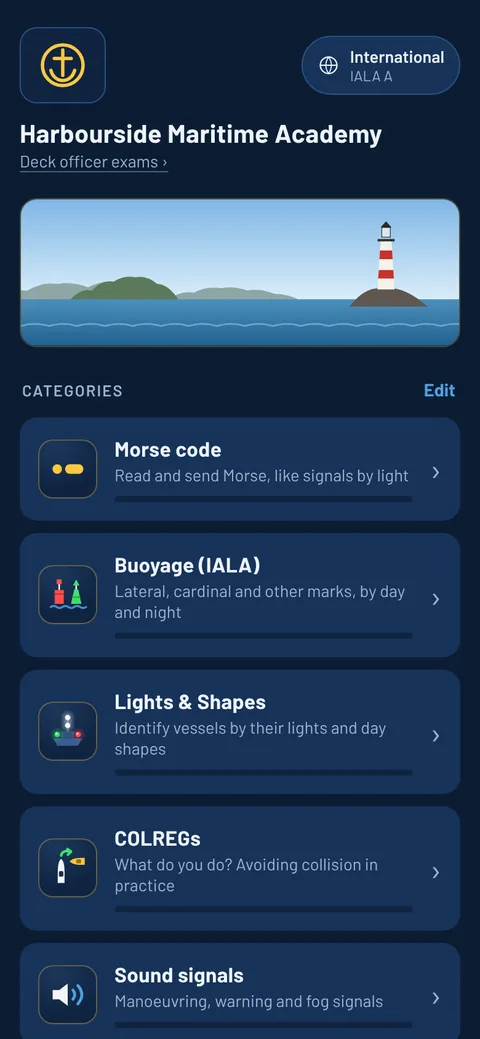
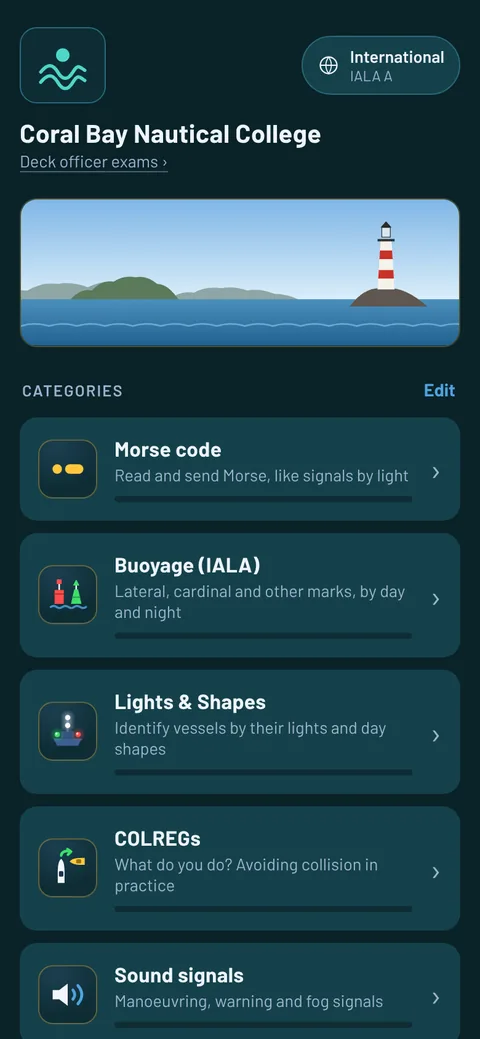
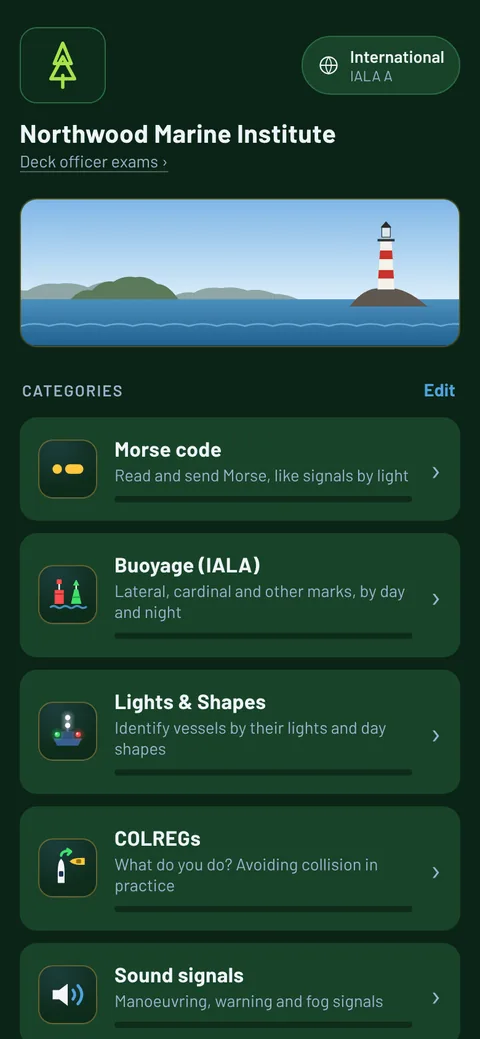
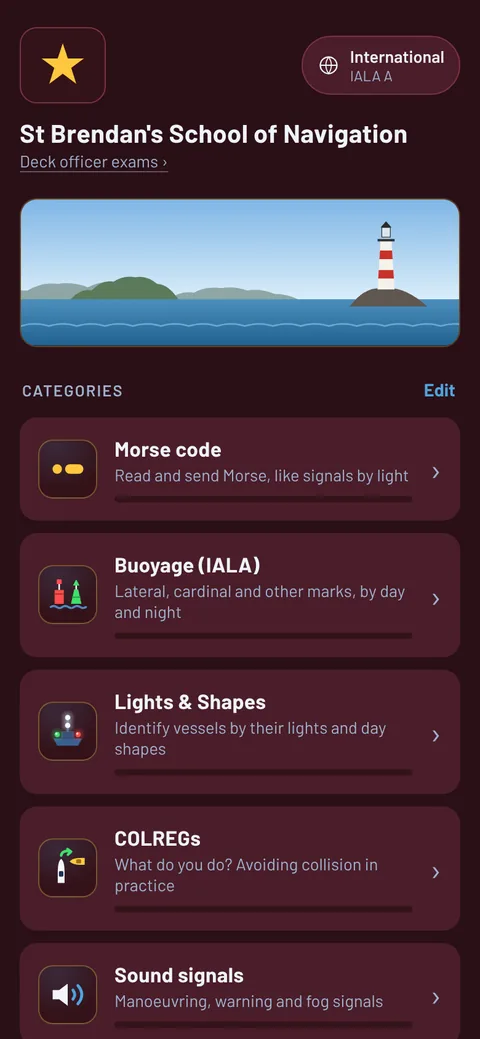
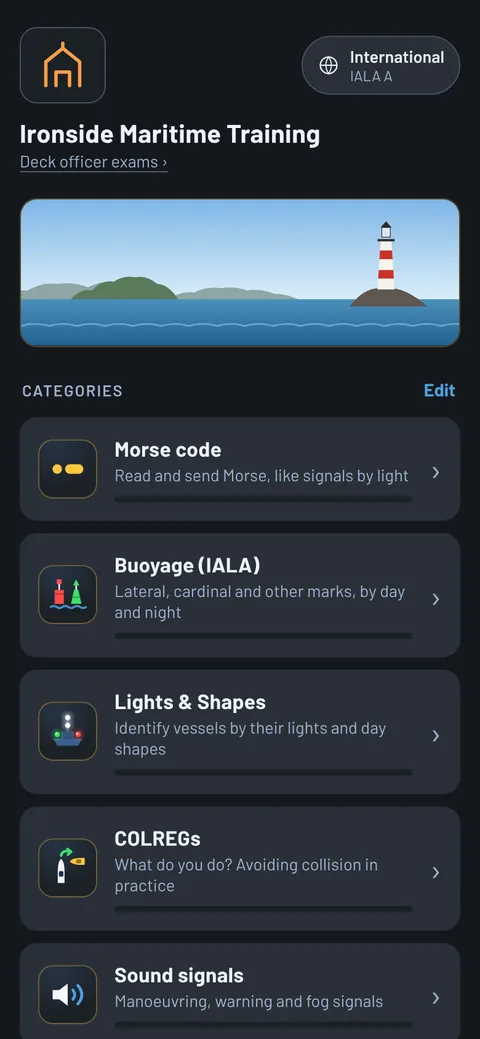
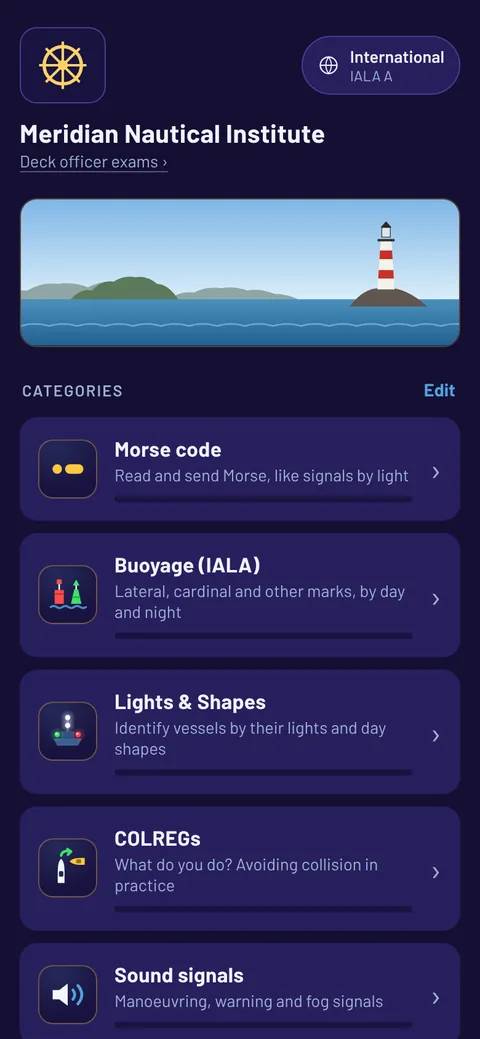
Your school's name, logo and colours
The app looks like your school's
On a school licence you can add your own name and logo, and pick one of six colour themes. Green for right, red for wrong and the navigation lights stay as they are.
Example schools, invented for this page.
Classroom mode
Run a lesson from the front of the room
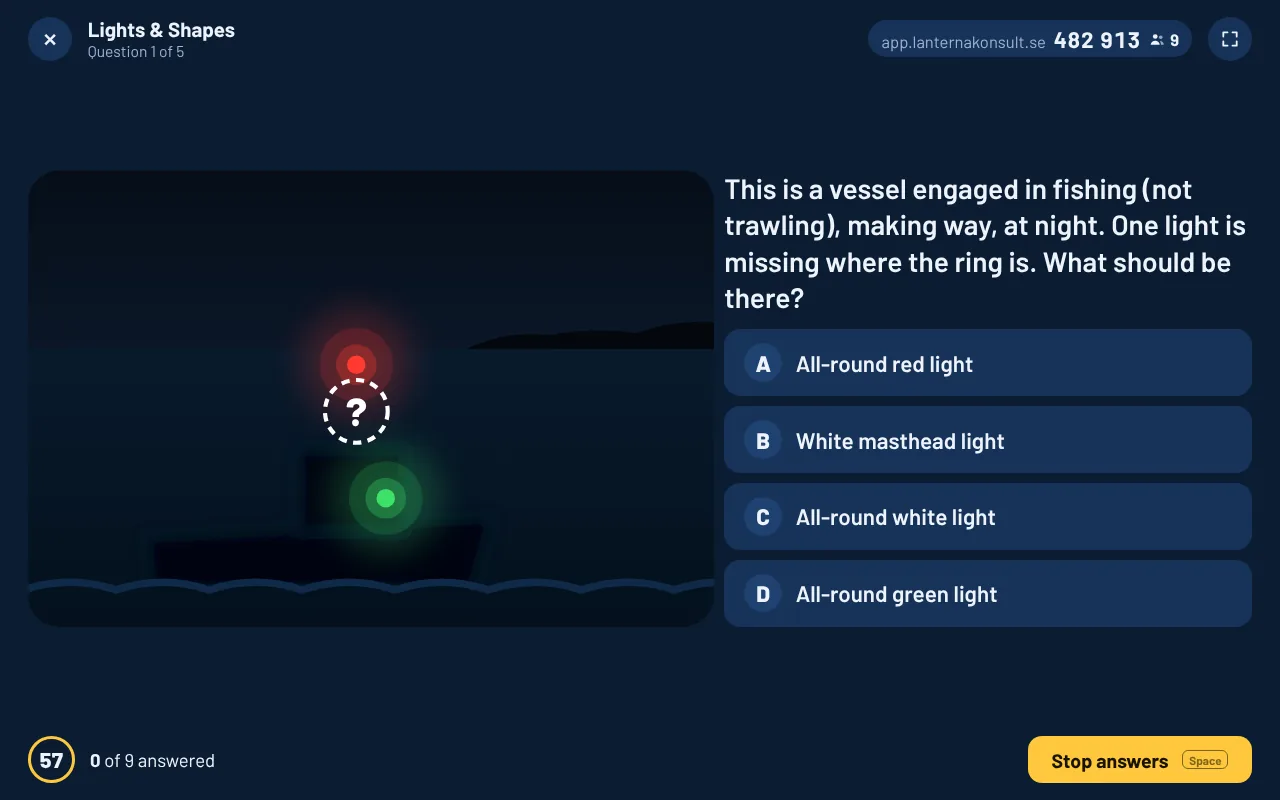
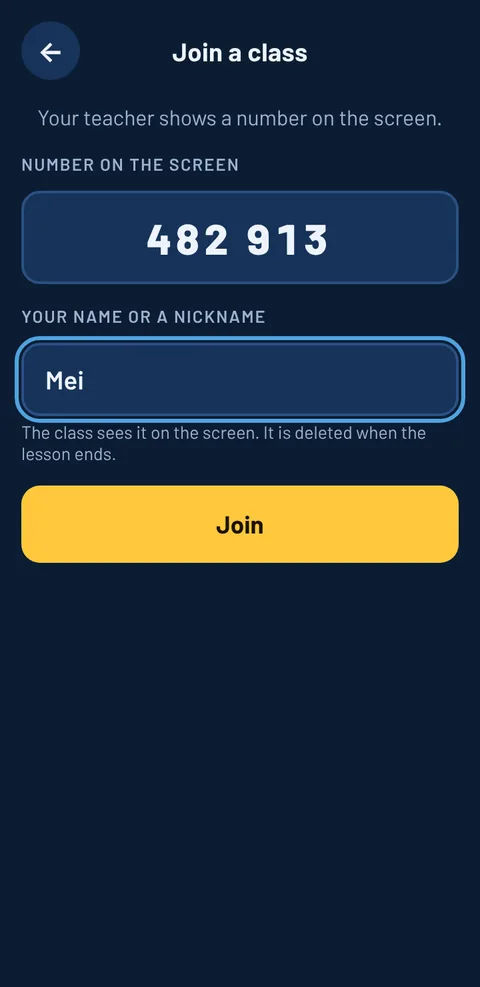
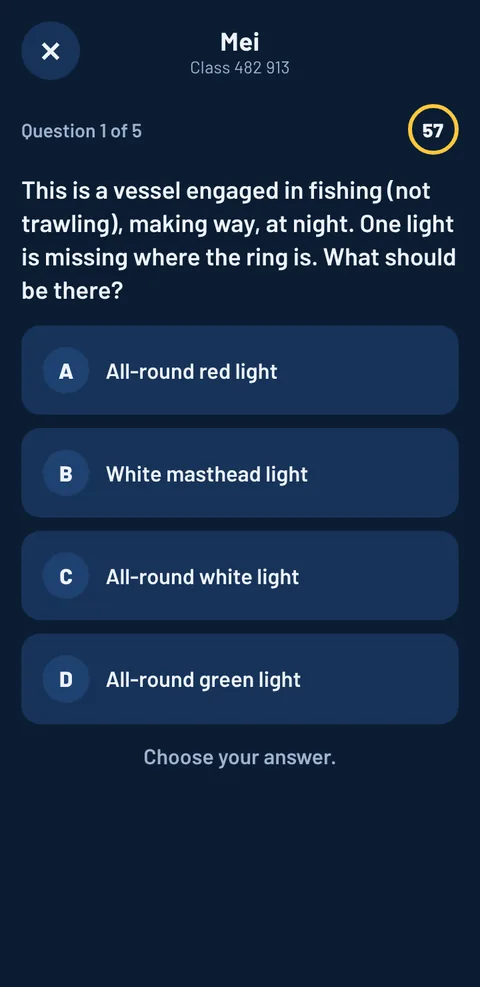
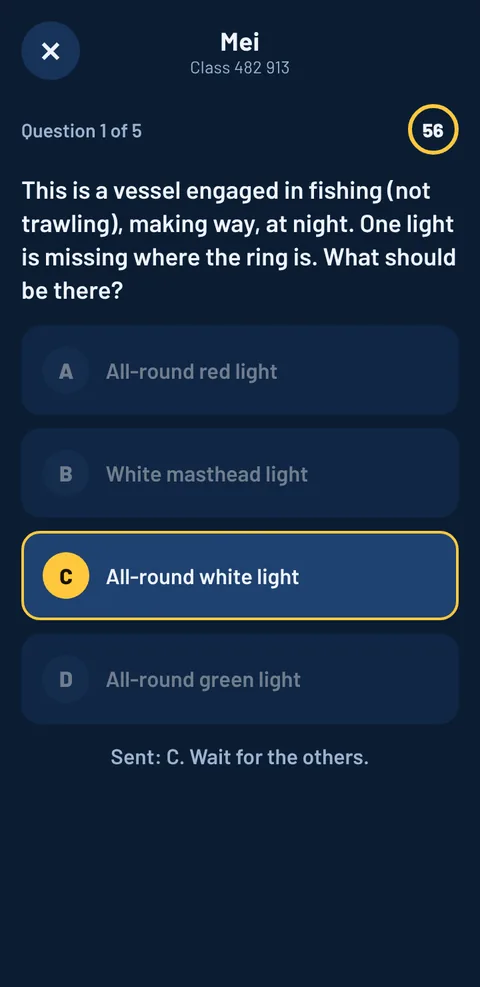
The teacher picks a topic and opens a room. The students answer on their own phones: no app or account, just a name.
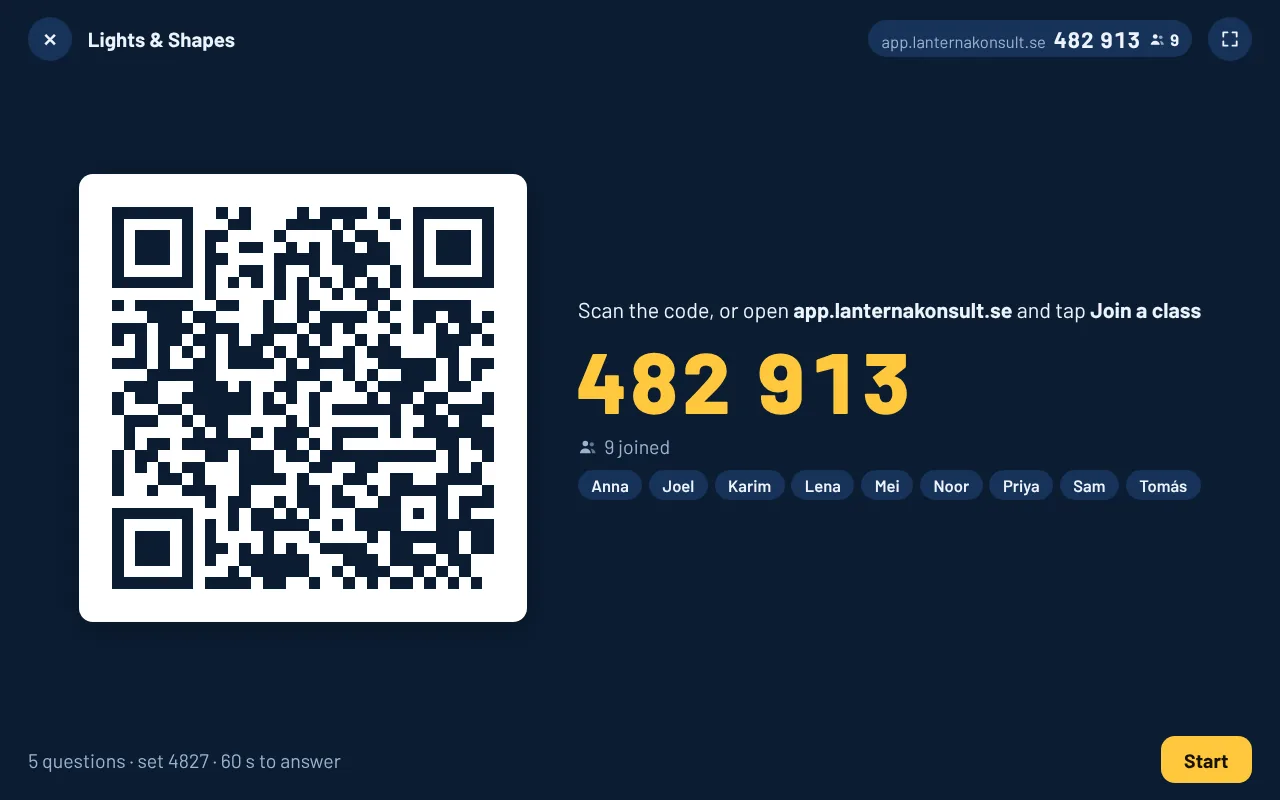
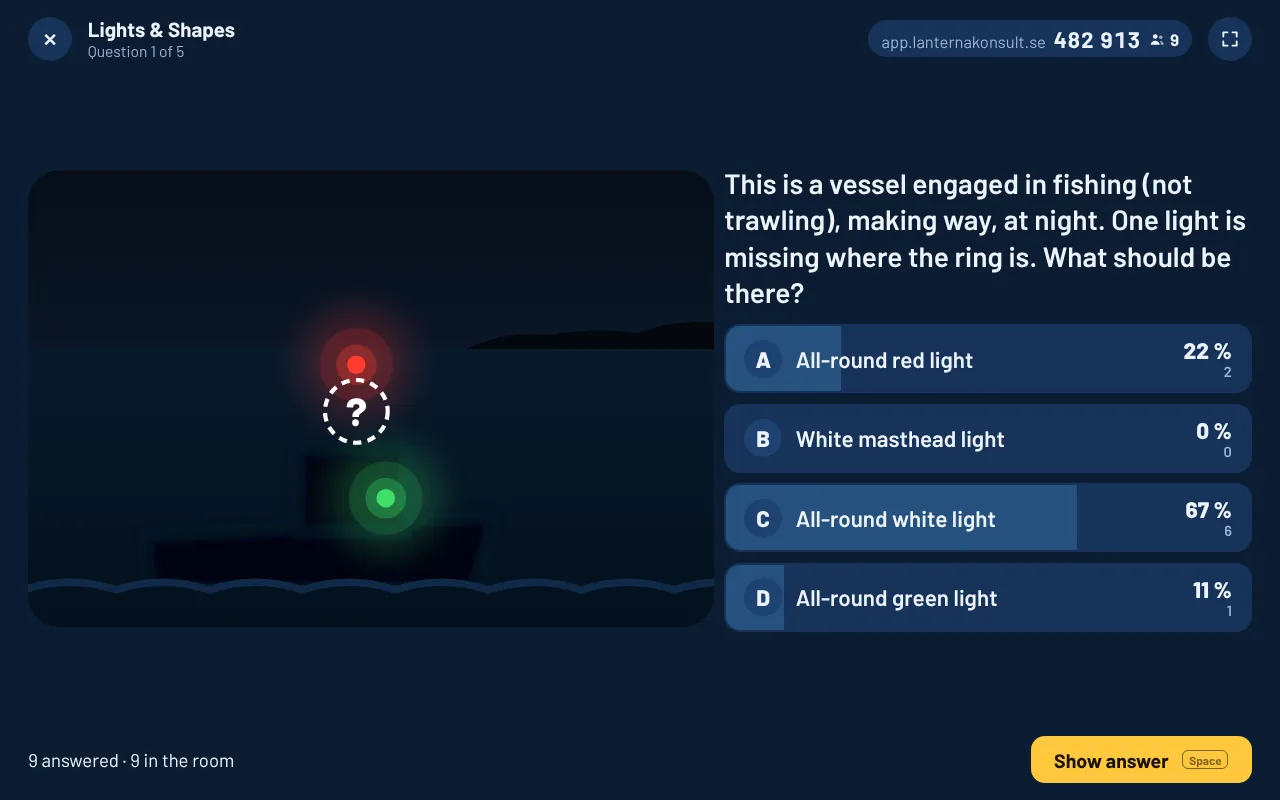
Open the room
The screen shows a QR code and a number. The students scan it, or open the app and tap Join a class. They type a name and nothing else.
Ask
The question goes up with its picture, and on every phone at the same time, with a timer. You choose the topic and how many questions beforehand.
See how the class answered
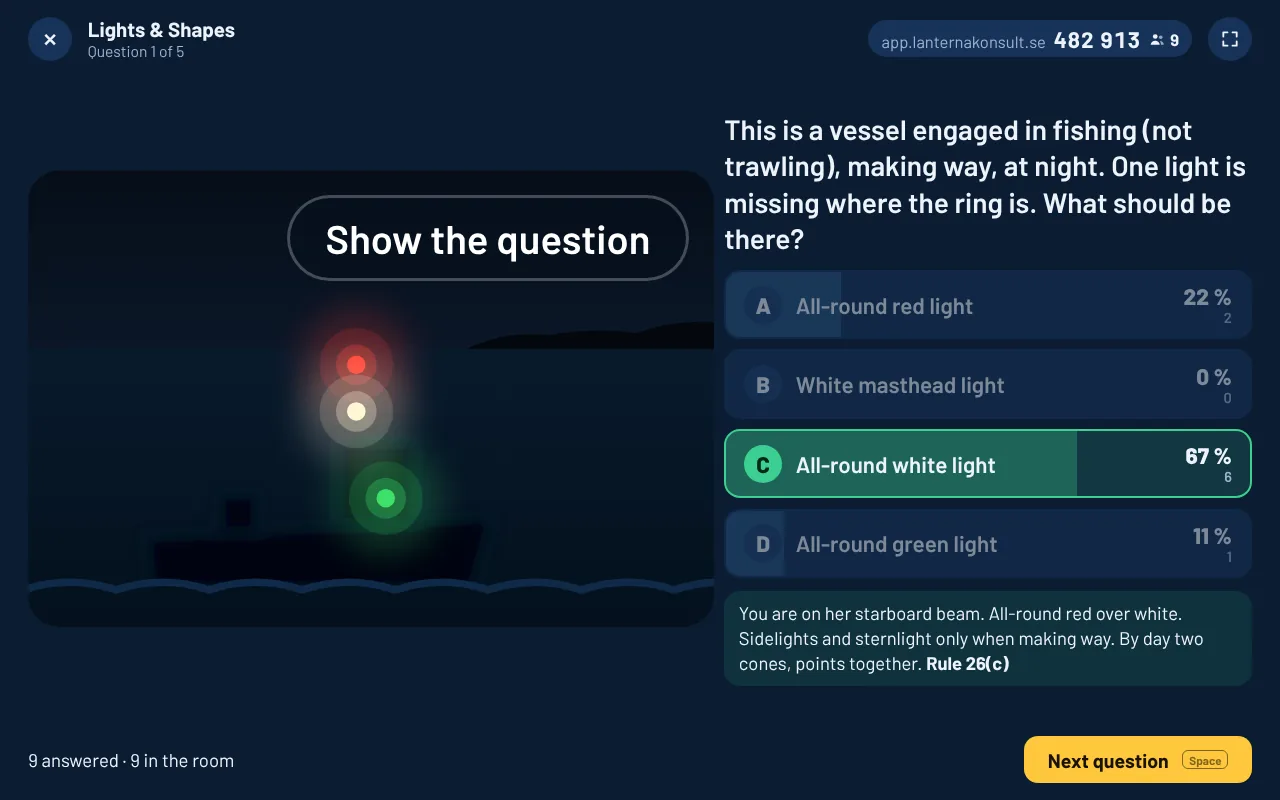
When the time is up, or everyone has answered, the screen shows how the class split between the answers. Nobody sees the right one yet.
Show the answer
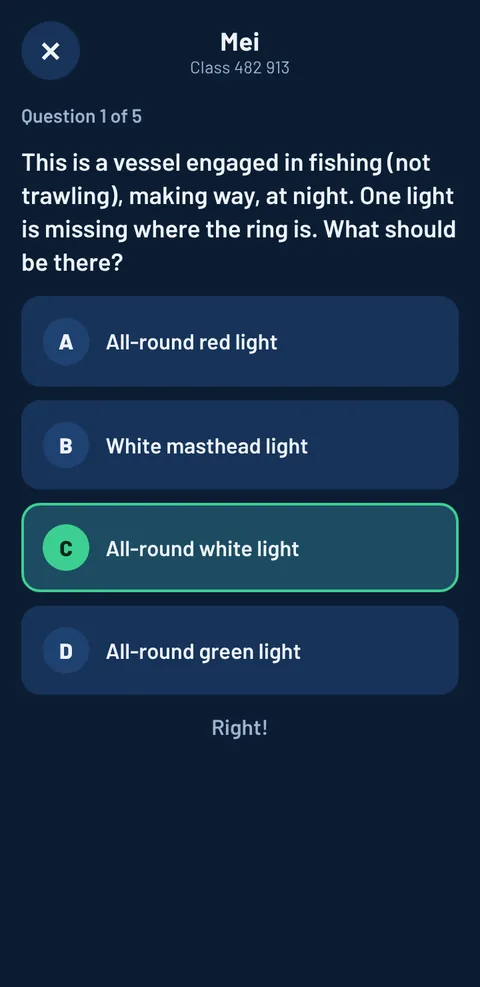
The right answer, the explanation and the rule. Each phone shows whether that student got it right.
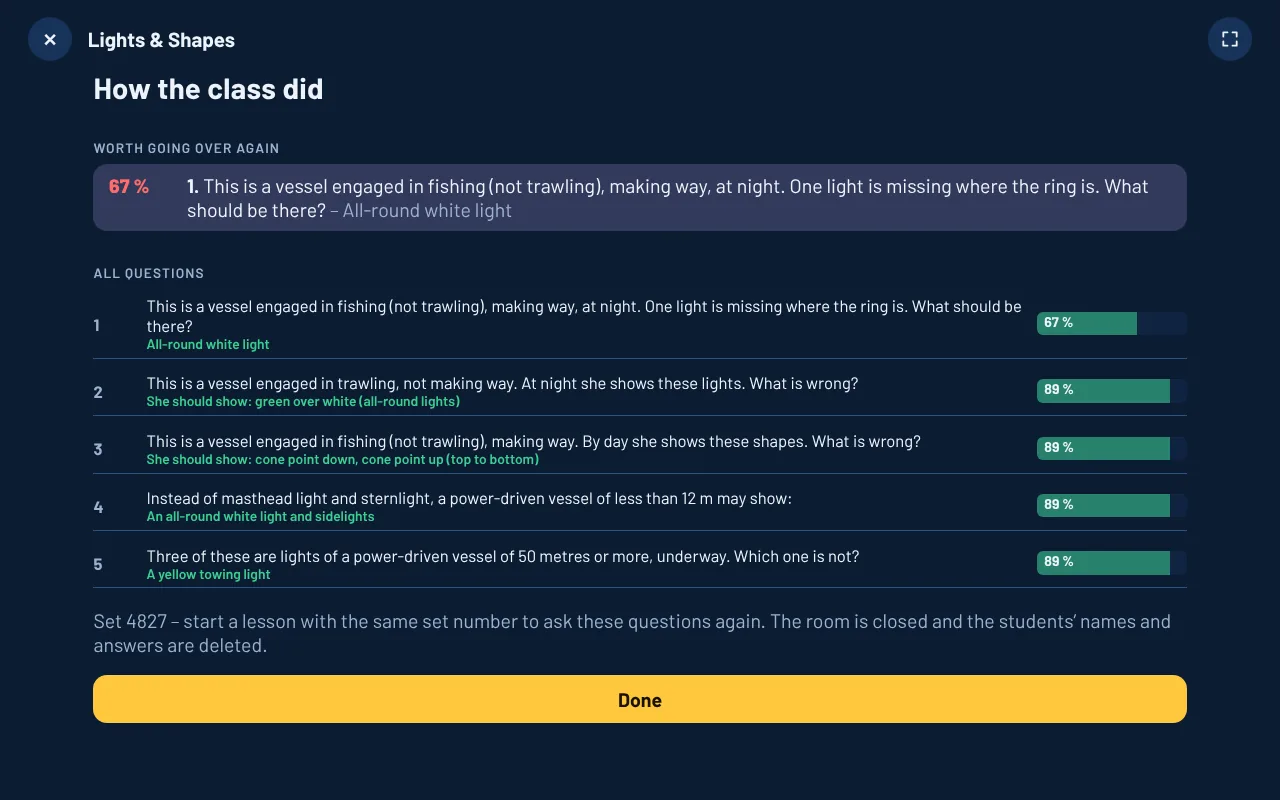
Go over what went wrong
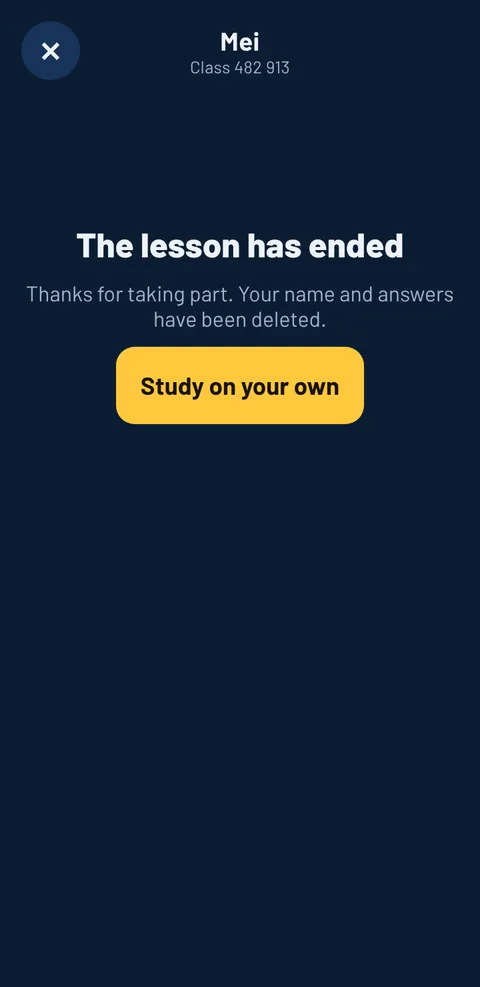
After the last question you get the questions the class struggled with, and the share who got each one right. The names and answers are deleted when the lesson ends.
No projector, or phones not allowed in the room? Choose hands up and the lesson runs on the one screen. Classroom mode is part of a school licence.

Five ways to study
Learn first, then test yourself. The questions you miss come back until you get them right.
Flashcards
Look, think, turn the card. No scoring.
Practice
Answer, then read the explanation and the rule.
Test
Timed, no hints, like the exam.
My mistakes
Only what you got wrong, spaced out over your sessions.
Match pairs
Fast repetition of flags, signals and symbols.
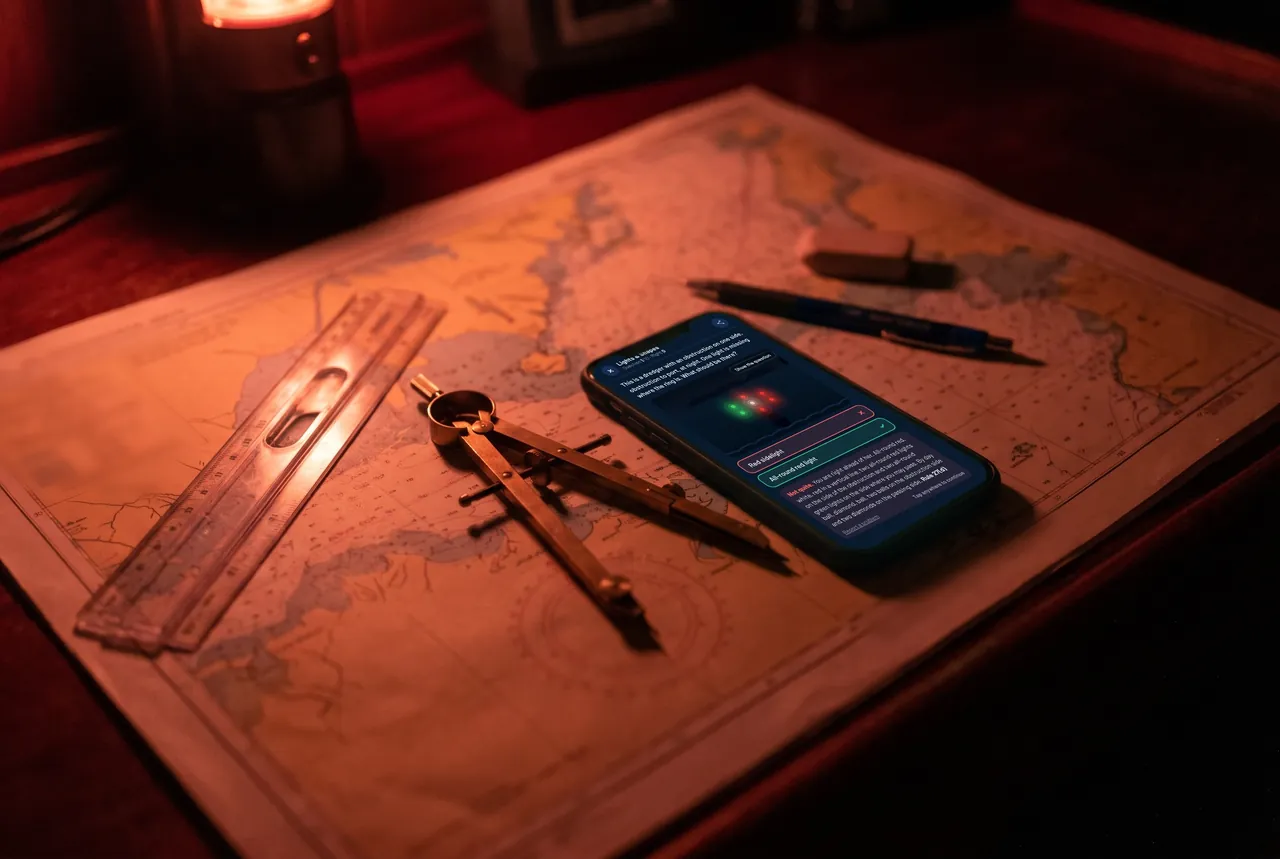
Works offline, on the ship too. Light and dark theme. IALA Region A or B. One purchase, no subscription, no ads, no account. Every question has a report button.

Built for the exam you are sitting
The pictures are the same whichever flag you sail under. Here is where Lanterna fits.
The picture questions of the written exam, and drills between review-centre sessions.
Night cards, day cards, buoys and sound signals, the cards surveyors put on the table. Morse by light for the signals test is free.
A large share of the Part A computer test is COLREG and buoyage.
Choose Day Skipper or Yachtmaster in the app and the professional topics are left out.
The International Rules and IALA Region B. Not the Inland Rules.
Any officer of the watch certificate built on COLREG and IALA.
Made at sea
Lanterna is built by a Swedish master mariner who works as chief officer on a ro-pax ferry in the Baltic. It started as a way to drill the lights and buoys that cadets keep missing in exams.
Every question is checked against the rule it comes from. If something looks wrong, report it from inside the app and it gets fixed.
Published by Lanterna Konsult AB, Sweden.